
JPG vs PNG vs WebP vs AVIF – Which Image Format Should You Use?

Choosing the wrong image format can make a website slow, a logo blurry, or a form upload fail. The good news: there are really only four formats you need to know.
Quick comparison
| JPG | PNG | WebP | AVIF | |
|---|---|---|---|---|
| Compression | Lossy | Lossless | Lossy or lossless | Lossy or lossless |
| Size for a photo | Small | Very large | Smaller than JPG | Smallest |
| Transparency | No | Yes | Yes | Yes |
| Animation | No | No | Yes | Yes |
| Opens everywhere? | Yes | Yes | Almost | Not always |
JPG (JPEG)
The classic photo format, used since the 1990s.
- Good for: photos, scans, social media, email, online forms.
- Not good for: logos, screenshots with small text (edges get blurry), anything needing transparency.
- Tip: quality 80–90% is usually indistinguishable from the original.
PNG
Lossless — it keeps every pixel exactly.
- Good for: logos, icons, screenshots, diagrams, images with transparent backgrounds.
- Not good for: photos (files are 5–10× bigger than JPG).
- Tip: if a PNG photo is too big, convert it to JPG.
WebP
A modern format created by Google, supported by all current browsers.
- Good for: websites and blogs — typically 25–35% smaller than JPG or PNG at similar quality, with transparency support.
- Not good for: older software that can’t open it (some desktop apps and upload forms).
- Tip: saved a WebP from a website and can’t open it? Use WebP to JPG.
AVIF
The newest format, with the best compression.
- Good for: modern websites that want the fastest loading images.
- Not good for: sharing with people or apps that might not support it.
Which one should I use?
| Situation | Best format |
|---|---|
| Phone photo to share or email | JPG |
| Photo for an online application form | JPG |
| Logo with transparent background | PNG (or WebP for websites) |
| Screenshot with text | PNG |
| Images on your website or blog | WebP |
| Maximum speed on a modern website | AVIF (with JPG/WebP fallback) |
| Printing | High-quality JPG or PNG |
How to convert between formats
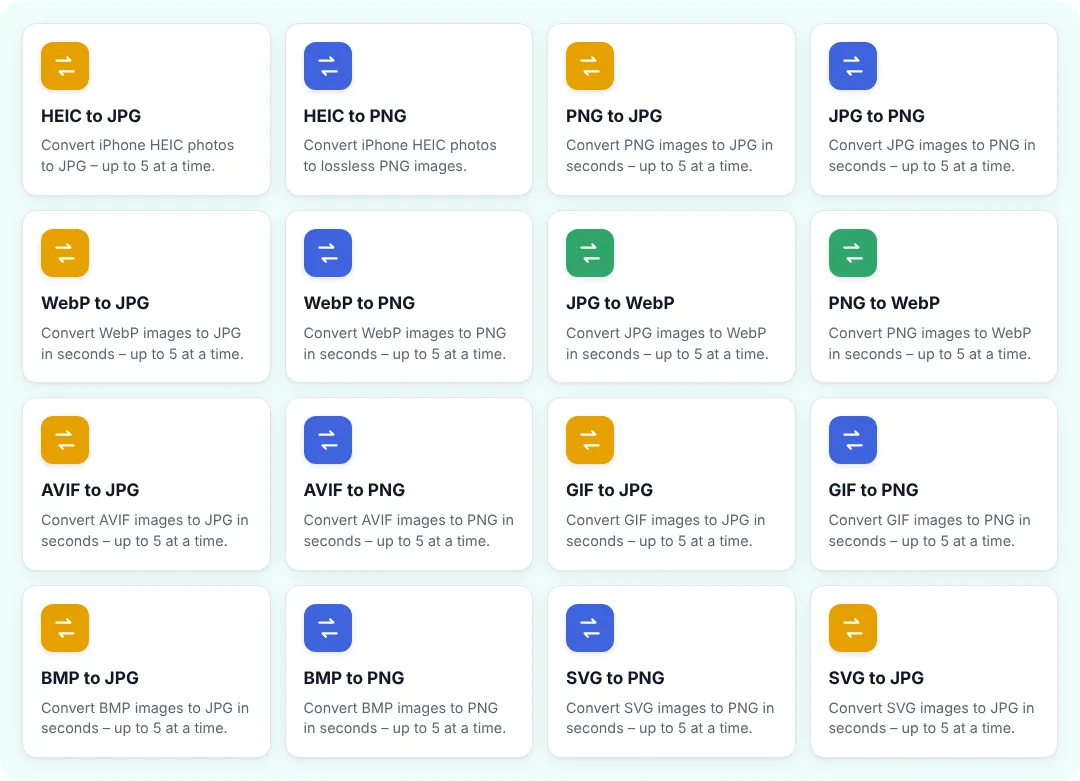
ZentaPDF has a converter for every common pair — for example PNG to JPG, JPG to PNG, JPG to WebP, WebP to PNG and AVIF to JPG. See them all in Image Converters, or use Convert Image to choose the output format yourself.
To make a file smaller without changing format, use Compress Image.
Lossy vs lossless, simply explained
- Lossless (PNG, and optionally WebP/AVIF) keeps every pixel exactly. Edit and save it 100 times — nothing changes.
- Lossy (JPG, and usually WebP/AVIF) throws away details your eye barely notices to make files much smaller. Each re-save loses a little more, so always edit from the original.
What about GIF, BMP, HEIC and SVG?
| Format | What it is | What to do |
|---|---|---|
| GIF | Old format for simple animations, max 256 colours | Use for small animations only; convert stills with GIF to PNG |
| BMP | Old uncompressed Windows format, huge files | Convert with BMP to JPG |
| HEIC | iPhone photo format | Change iPhone camera setting to Most Compatible to get JPG |
| SVG | Vector graphics (logos, icons) that scale to any size | Keep for websites; convert with SVG to PNG for documents |
Image formats and website speed
Images are usually the heaviest part of a web page. Switching from JPG/PNG to WebP often makes pages load noticeably faster and can improve your Google PageSpeed score. A simple workflow for bloggers:
- Resize photos to the width your site displays (often 1200–1600 px) with Resize Image.
- Convert to WebP with JPG to WebP at 75–85% quality.
- Upload and add descriptive alt text for SEO and accessibility.
A note on quality
Converting from a lossy format (JPG) to a lossless one (PNG) won’t bring back lost detail — it only makes the file bigger. Always keep your original photos, and convert copies.
Pick the format for the job, and your images will look good and load fast.
Frequently asked questions
Which image format is best for websites?
WebP is the best all-round choice for websites today: much smaller than JPG and PNG, supports transparency, and works in all modern browsers.
Is PNG better quality than JPG?
PNG is lossless, so it never loses detail, but files are much larger. For photos, a high-quality JPG looks the same to the eye at a fraction of the size.
Should I use AVIF?
AVIF gives the smallest files, but some older apps and systems cannot open it. Use it for modern websites, and JPG or WebP when you need maximum compatibility.
Which format should I use for online forms?
JPG, unless the form clearly asks for something else. It is accepted almost everywhere.


